
Smart Locks and Keypad Deadbolts for Orlando Homes
A smart lock opens with a code, your phone or a fingertip instead of a key. It’s handy when several people come and go, and it asks a little of you in return: fresh batteries, a few settings and a backup key you still hang on to. Here’s how the types differ and what fitting one to your door involves.
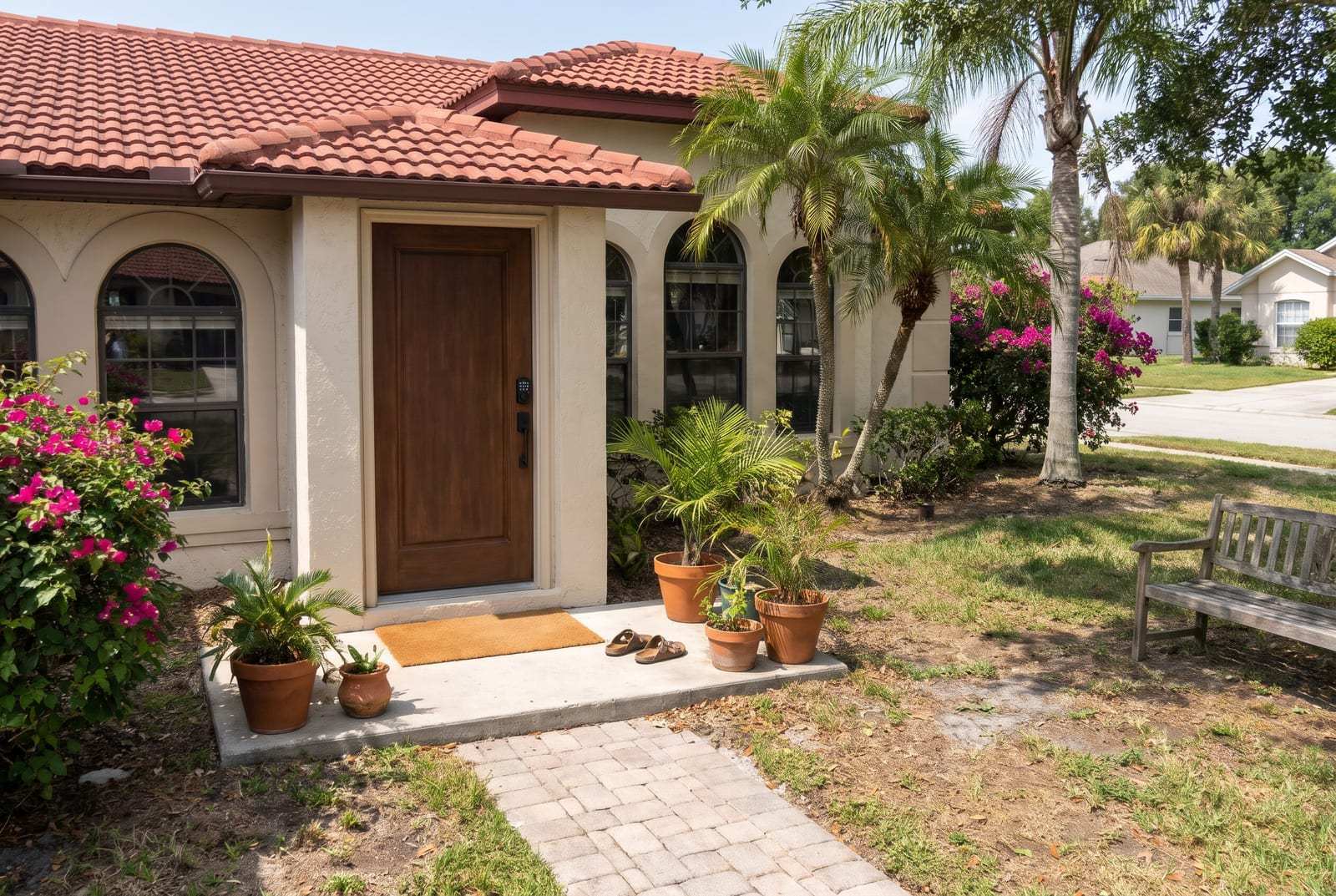
Inside a Smart Deadbolt
Most smart locks are deadbolts with a small motor added. On the outside you’ll find a keypad, a touchscreen, a fingerprint reader or just an ordinary keyhole. On the inside, a larger cover holds the motor, the batteries and the radio that talks to your phone.
Enter a code or tap the app, and the motor turns the bolt for you. Bluetooth locks talk to a phone that’s near the door. Wi-Fi locks join your home network, built in or through a small plug-in bridge, so you can lock up or let someone in from across town.
Most keep an ordinary key cylinder as well. Retrofit units go a step further: they fit over the inside of the deadbolt you already have, so the key you carry now keeps working.
Keypad, Bluetooth and Wi-Fi Side by Side
The names overlap, and one lock often does two or three of these things at once. What matters is how you’ll open it and what it leans on to work.
Scroll the table sideways for more.
| Type | How you open it | Needs Wi-Fi? | Works with phone app | Power source |
|---|---|---|---|---|
| Mechanical keypad lock | Push-button code, or the key | No | No | None; the buttons work it by hand |
| Electronic keypad deadbolt | Code on the keypad, or the key | No | Usually not | Batteries in the inside cover |
| Bluetooth smart lock | Phone near the door, a code if it has a keypad, or the key | Not for use at the door | Yes, within range of the door | Batteries |
| Wi-Fi smart lock | Phone at home or away, a code, or the key | Yes, built in or through a bridge | Yes, from anywhere with a signal | Batteries, which Wi-Fi tends to use faster |
| Retrofit smart lock | Phone app, or your current key from outside | Only for use away from home | Yes, it’s run mostly from the app | Batteries |
| Fingerprint lock | A fingertip on the reader, a code, or the key | Depends on the model | On some models | Batteries, sometimes rechargeable |
If several people come and go, codes are the big draw. Each person can have their own, and one can be deleted without touching the others.
Batteries, Outages and the Backup Key
Nearly every smart lock made for a home runs on batteries, and that raises fair questions.
- How long do the batteries last?
It depends on the lock and how often the door gets used, but think in months, not years. Wi-Fi locks tend to use them up faster than keypad or Bluetooth ones. Most give a warning before they run out: a blinking light, a beep or an alert on your phone.
Florida heat and humidity are hard on batteries and keypads alike, so a lock on a door that takes the full afternoon sun is worth checking more often.
- What happens to a smart lock when the power goes out?
The lock keeps working, because it runs on its own batteries, not on house power. What stops is anything that needs the internet. If a summer storm takes out the power and your Wi-Fi with it, you can’t reach the lock from your phone while you’re away until the router is back. Codes, Bluetooth and the key still work at the door.
- Do I still need a key with a smart lock?
Yes. Batteries run down, phones die, and electronics fail now and then; the key cylinder is the way in when they do. Keep a key somewhere you can reach from outside the house, like with a neighbor you know well, never under the mat. If a lock you like has no keyhole at all, find out how it opens with dead batteries before you buy it.
Picking a Smart Lock That Suits Your House
A smart lock suits some doors and some households better than others. A few yes-or-no answers point you the right way.
Is a Smart Lock Right for Me?
Pick one answer for each question, and you’ll get a suggestion to talk over with us.
Choose your answers, then press Show My Answer.
Fitting a Smart Lock to Your Door
Most smart deadbolts are made for the standard holes in a modern entry door, so they often go into the holes already there. Older doors, thick doors and doors with an odd backset need the same care as any new lock installation.
The bolt matters more on a smart lock than on a plain one. A motor can’t lean on the door the way your hand does, so a bolt that rubs on the strike makes the lock stall, beep and run its batteries down. Getting the bolt to slide home without a hitch comes first.
Then comes the setup: a code for each person, the app on your phone, the auto-lock if you want it, and the backup key on your ring.
If you’re still weighing a smart lock against a sturdy keyed deadbolt, compare lock types before you decide.
Keypad, phone or key: we’ll set up the door the way you like to open it.